Turning gas spring specs into a configurator and a calculator
Customers know the size of their hatch, not the spring they need. Two tools for Gas Spring World close that gap.
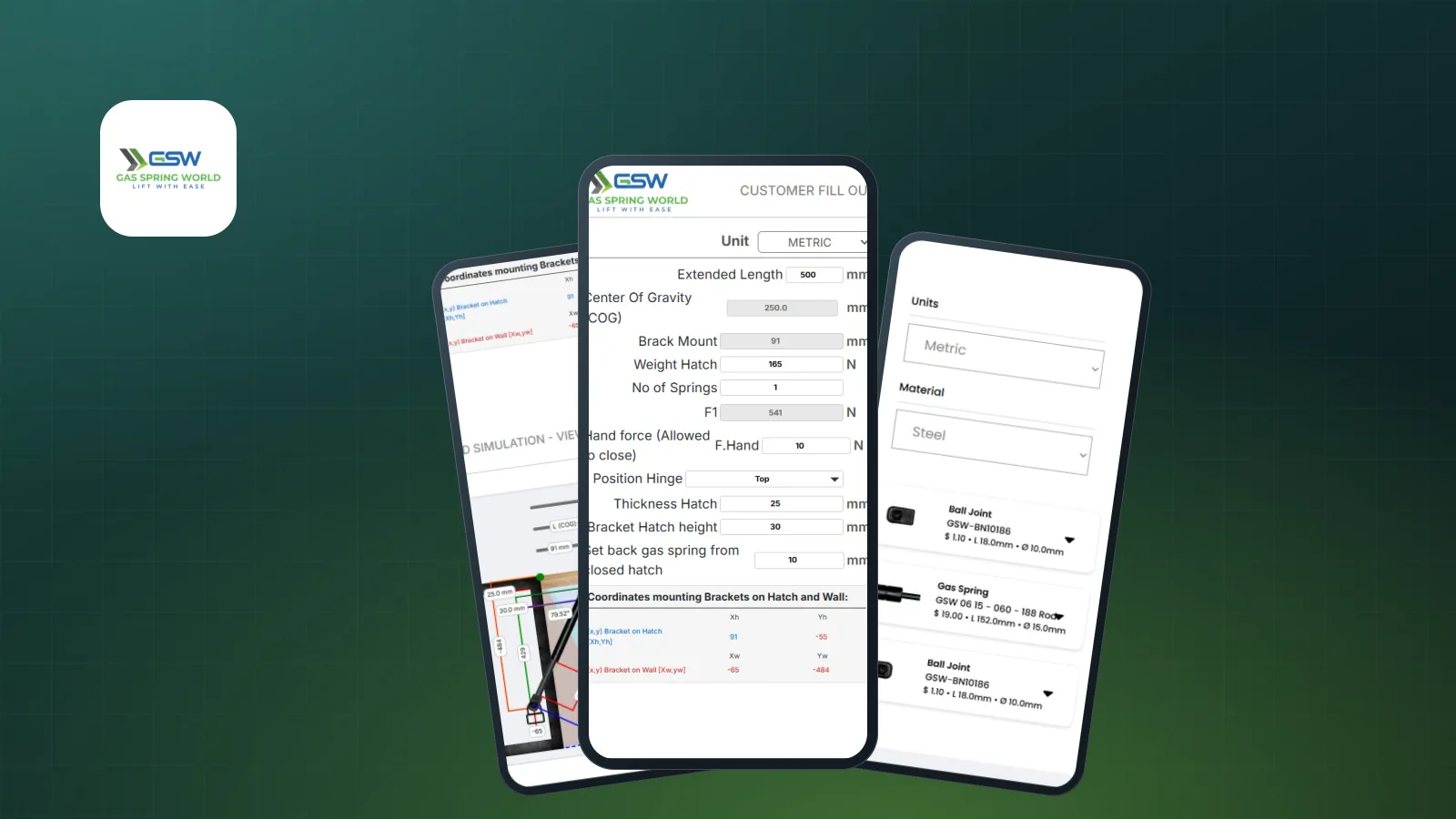
Gas Spring World sells engineered gas springs, dampers and fittings. Its customers usually arrive with a practical problem: a hatch, lid or cabinet door that needs to open smoothly and stay open. They know its size and weight. They do not know which spring, which fittings or where to mount them.
Two tools bridge that gap: a hatch calculator that works out what is needed, and a configurator that turns the answer into an order.
The calculator: from hatch to spring
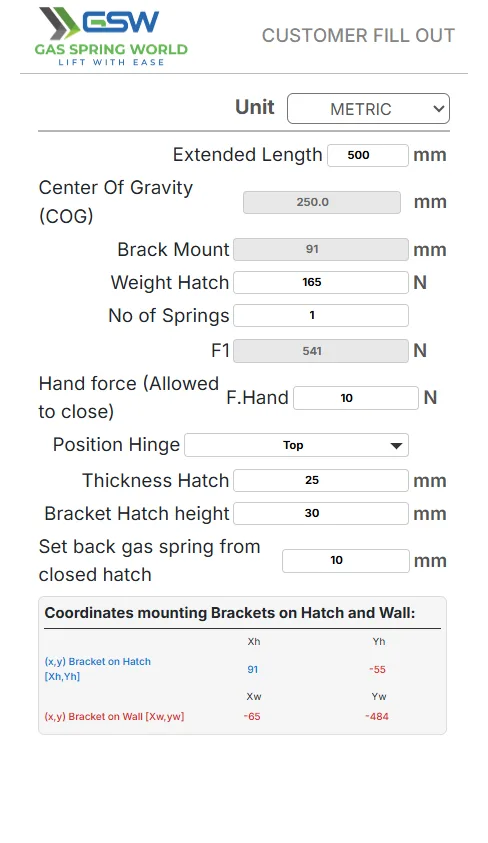
The customer fills in what they already know:
- the extended length and weight of the hatch
- its thickness and the hinge position
- how many springs they want to use
- the hand force they are happy to use to close it
From those inputs the calculator works out values such as the centre of gravity, the bracket mount and the force each spring must provide, and gives the mounting coordinates for the brackets on both the hatch and the wall.
Show the answer, not just numbers
A list of coordinates is hard to picture, so the calculator draws a 2D simulation of the hatch, the wall and the spring. The opening angle, the centre of gravity and every key distance are labelled, and the drawing updates as the inputs change. Customers can move a mounting point and see the effect straight away, which builds confidence before they buy.
The configurator: from spec to cart
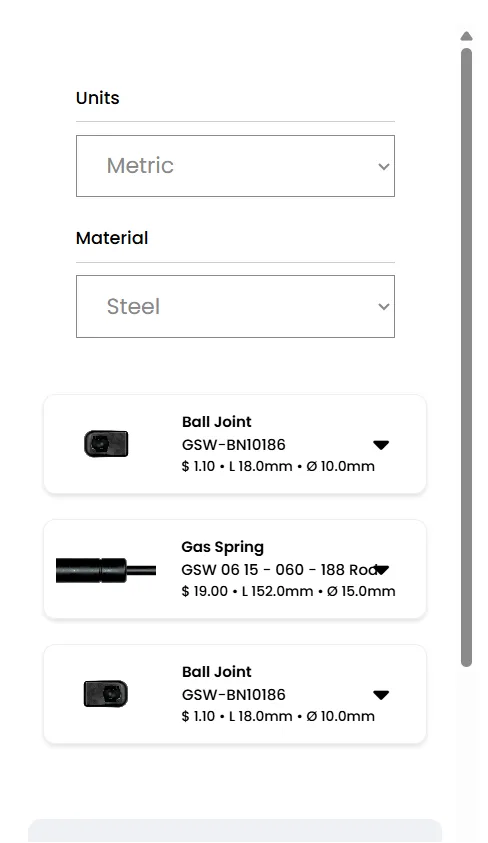
Once the customer knows what they need, the configurator lets them build it:
- choose units and material
- pick the end fitting for each side, such as a ball joint, and the gas spring, each with its part number, price, length and diameter
- add brackets if needed
- choose the force and quantity
A live diagram redraws the assembly with its real dimensions: body and rod diameters, stroke and total length. The price updates with every change.
Built into the store
The configurator sits inside the existing WordPress and WooCommerce store, so a finished configuration goes straight to the normal cart and checkout. Customers can also print or email a configuration to share it with a colleague or keep it for later.
Why it works
Engineering products sell better when customers can see exactly what they will get. A calculator that answers "what do I need?" and a configurator that answers "what will it cost?" turn spec sheets and emails into a few clicks. If your products need a tool like this, see our web development service.